karan
-
Aloe vera flower

Found this beautiful flower in the backyard of my home, growing in the wild.
-
Part1: Understanding NFS: Network File System
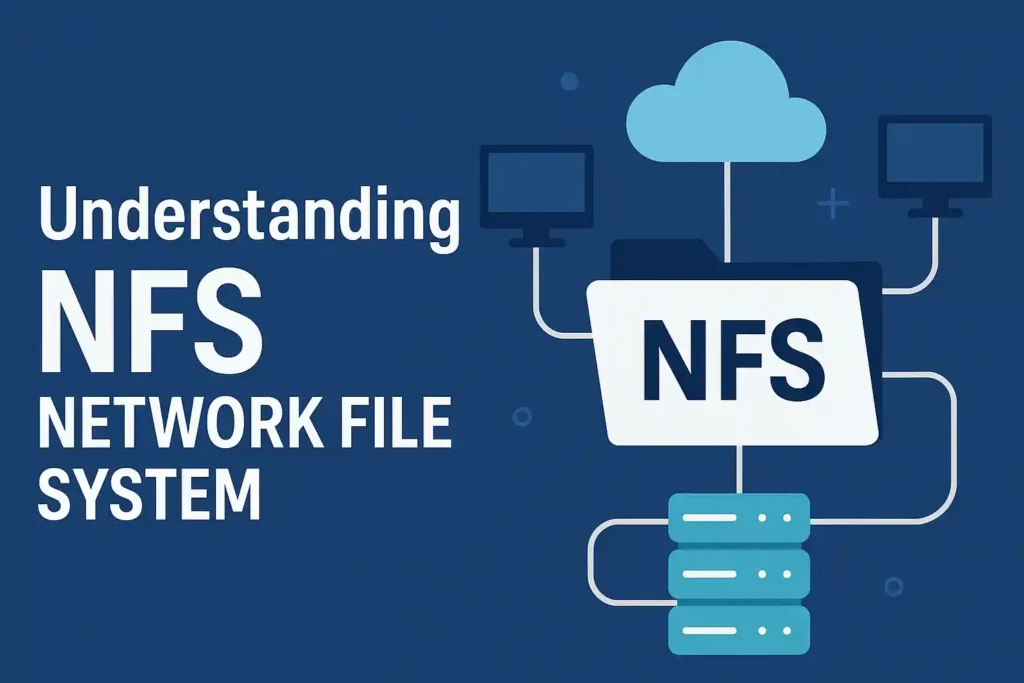
Lets try to understand NFS. Here is what we are going to do
Part 1: Get a feel of NFS: We will install NFS on a server (we are using a raspberry pi here) and expose the storage on it to another device i.e. my laptop. This is Part 1.
Part 2: Write our own simple and bare minimum NFS server in python to understand how this protocol works under the hood.
Part 3: Understand pNFS with the implementation.
So lets get started!
Setting up the server (raspberry pi)
So first we update the system and make sure packages are up-to-date. Login to the raspberry pi and run the following steps.
sudo apt update
sudo apt upgrade -y
Then install the following NFS server package
sudo apt install nfs-kernel-server -yNow create a directory to share over NFS and give the permissions that makes sense to you, we will just give it all the permissions
sudo mkdir -p /srv/nfs/share
sudo chmod 777 /srv/nfs/share
And add the following line in
/etc/exportsto configure NFS to share this directory, this is how my export file looks likekaran@raspberrypi5:~ $ cat /etc/exports # /etc/exports: the access control list for filesystems which may be exported # to NFS clients. See exports(5). # # Example for NFSv2 and NFSv3: # /srv/homes hostname1(rw,sync,no_subtree_check) hostname2(ro,sync,no_subtree_check) # # Example for NFSv4: # /srv/nfs4 gss/krb5i(rw,sync,fsid=0,crossmnt,no_subtree_check) # /srv/nfs4/homes gss/krb5i(rw,sync,no_subtree_check) # /srv/nfs/share 192.168.1.0/24(rw,sync,no_subtree_check)Now update the NFS to pick up the new config and restart the NFS server
karan@raspberrypi5:~ $ sudo exportfs -a
karan@raspberrypi5:~ $ sudo systemctl restart nfs-kernel-server
karan@raspberrypi5:~ $ sudo systemctl status nfs-kernel-server
● nfs-server.service - NFS server and services
     Loaded: loaded (/lib/systemd/system/nfs-server.service; enabled; preset: enabled)
     Active: active (exited) since Mon 2025-07-28 22:57:07 IST; 9s ago
    Process: 3366 ExecStartPre=/usr/sbin/exportfs -r (code=exited, status=0/SUCCESS)
    Process: 3367 ExecStart=/usr/sbin/rpc.nfsd (code=exited, status=0/SUCCESS)
   Main PID: 3367 (code=exited, status=0/SUCCESS)
        CPU: 4ms

Jul 28 22:57:07 raspberrypi5 systemd[1]: Starting nfs-server.service - NFS server and services...
Jul 28 22:57:07 raspberrypi5 systemd[1]: Finished nfs-server.service - NFS server and services.
Setting up the client
Install NFS client tools
sudo apt install nfs-common -yCreate a mount point and mount it
sudo mkdir -p /mnt/nfs_share
sudo mount 192.168.1.6:/srv/nfs/share /mnt/nfs_share
Now you have a share directory that can be shared between the devices and can be operated on as a regular directory!
Try out the above steps, play with it and see what all configuration you could do in the export file. See you again in Part 2.